

Last updated: March 2026
GitKraken offers a free Student Pack for students to use GitKraken Desktop, GitLens, CLI, and GitKraken.dev.
This plan is a 6 month free trial of Pro features for students who are verified on GitHub Student Developer Pack.
After the 6 month free trial, you can upgrade to a Pro subscription at a discounted rate.
The 6 month free trial starts from the original Student account creation date. If you were previously on the Student Plan prior to the introduction of the 6 month length you retroactively have used your free period and will need to upgrade to regain access. See gitkraken.dev/student for more info.
Quick Start
To activate the Student Pack:
- Verify student status through the GitHub Student Developer Pack.
- Go to gitkraken.dev and create an account using the GitHub sign-in option. Other sign-in methods will not sync the student license.
- Navigate to gitkraken.dev/student and click Start trial.
- Confirm activation at gitkraken.dev/subscription. The subscription page should show an active Student trial.
The 6-month trial starts from the original account creation date and cannot be restarted by deleting and recreating the account. When the trial is close to expiring, a notification appears in the app and is sent to your registered email. Upgrade to Pro at a discounted rate from gitkraken.dev/student.
What is in the GitKraken Student Pack
| Product | Included | Features |
|---|---|---|
| GitKraken Desktop | Yes | Pro features for 6 months |
| GitLens | Yes | Pro features for 6 months |
| GitKraken CLI | Yes | Pro features for 6 months |
| GitKraken.dev | Yes | Pro features for 6 months |
How to get the Student Pack
Follow the steps in the Quick Start above. The key requirements are:
- Verify your student status through the GitHub Student Developer Pack.
- Create your GitKraken account using the GitHub sign-in method (other sign-in methods will not sync the student license).
- Activate the trial at gitkraken.dev/student.
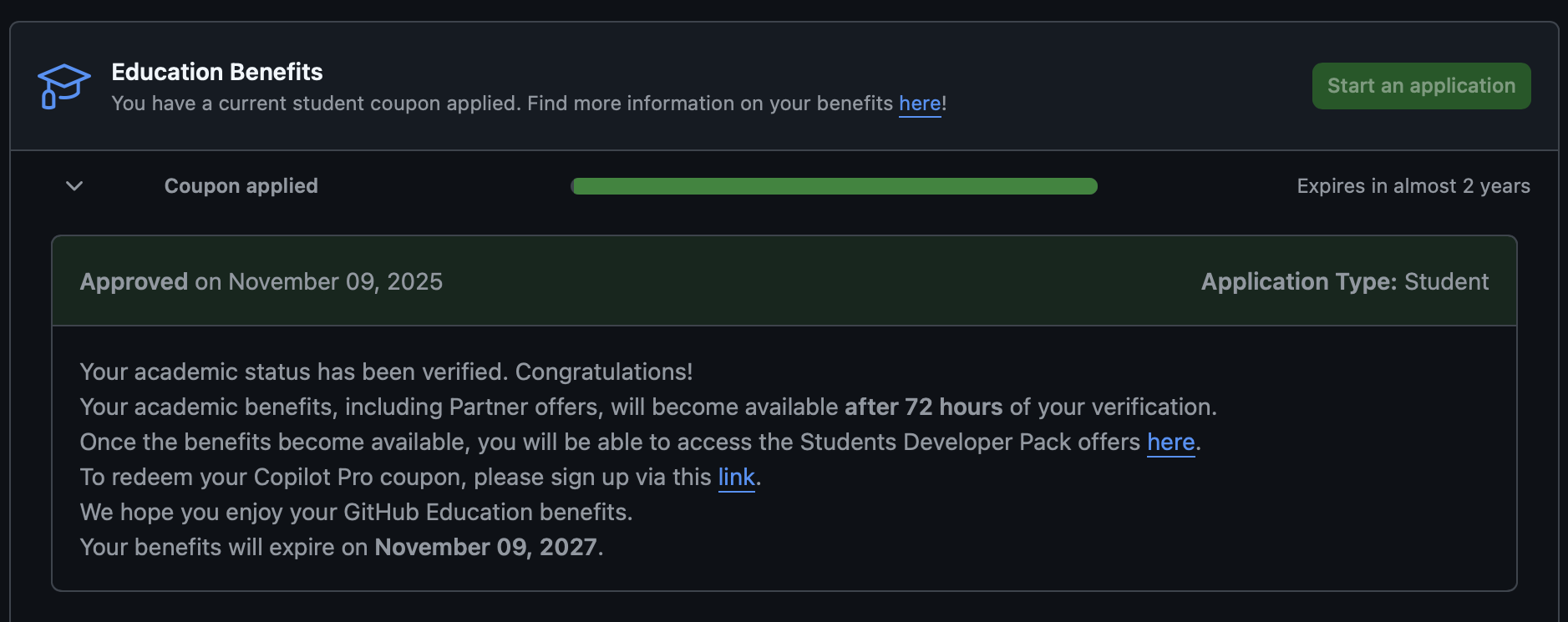
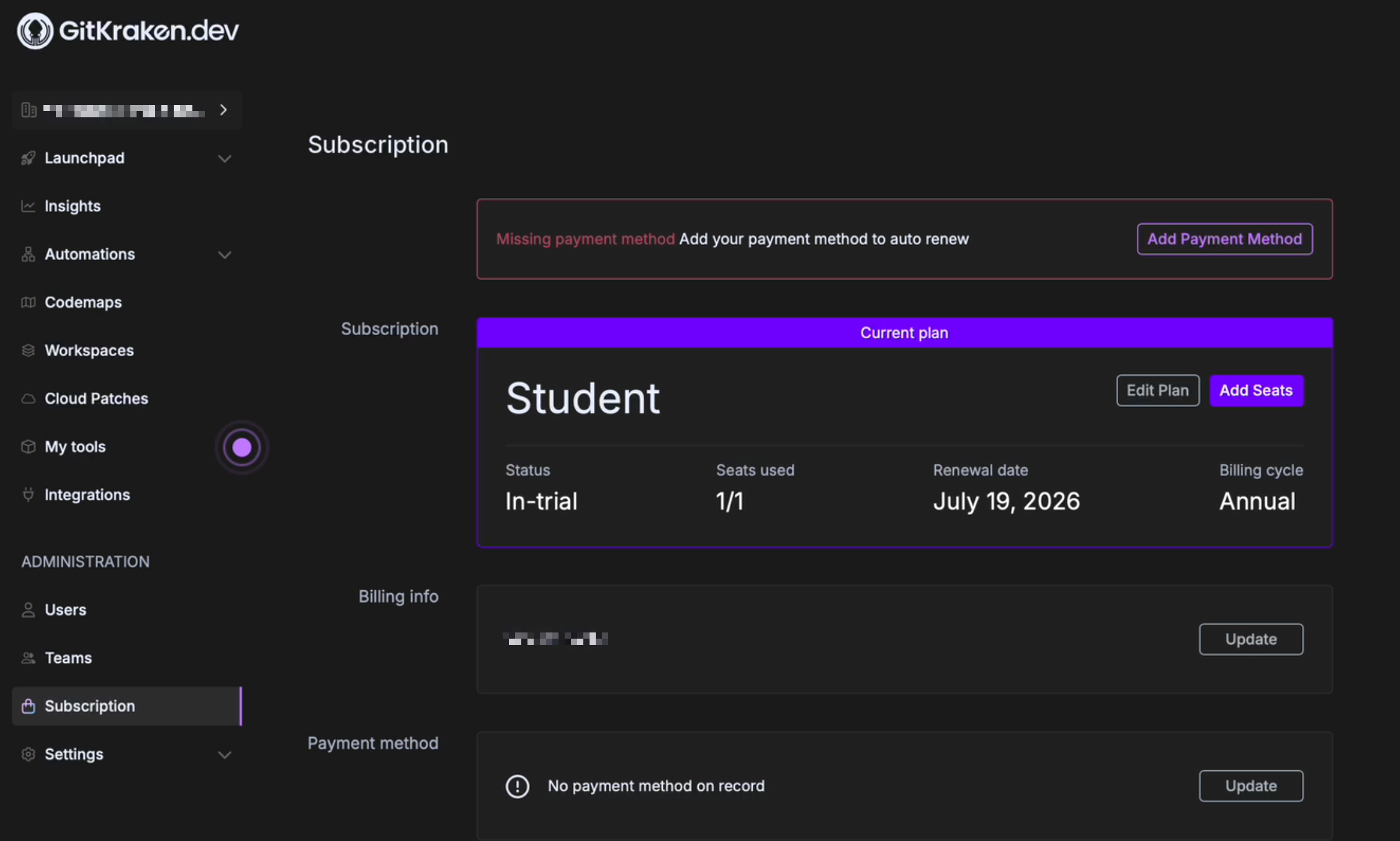
You must create the account using the GitHub account creation method to synchronize the Student Pack license. Deleting and recreating your GitKraken account will not restart the trial period.
How to upgrade to a Pro subscription
When the 6 month free trial is about to end, you will be notified both in the app and in the email you used to sign up.
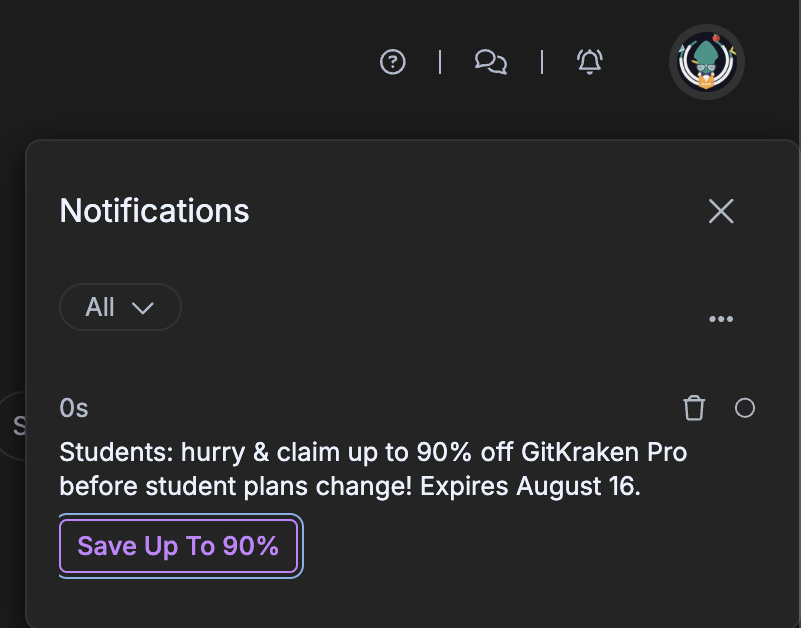
You can upgrade to a Pro subscription at a discounted rate following the instructions in the email. In the checkout process, verify the discount code is applied.
If you previously had the Student Pack you can navigate to gitkraken.dev/student for purchasing options.
