

Level: Advanced Developers
Primary Goal: Apply Git intelligence and AI-aware context to manage complex history safely
When to use this workflow
Use this workflow when you are:
-
Managing long-lived or high-risk branches
-
Performing complex interactive rebases-
-
Pulling targeted fixes across branches
-
Coordinating advanced workflows with AI assistance
Real-world scenario
You are resolving a production issue that requires rebasing a long-running branch, pulling in specific fixes from other branches, and collaborating across teams.
How GitLens helps (in practice)
You start by using GitKraken MCP, which provides Git-aware context to AI assistants so they can reason accurately about your repository, including commits, branches, pull requests, and issues.
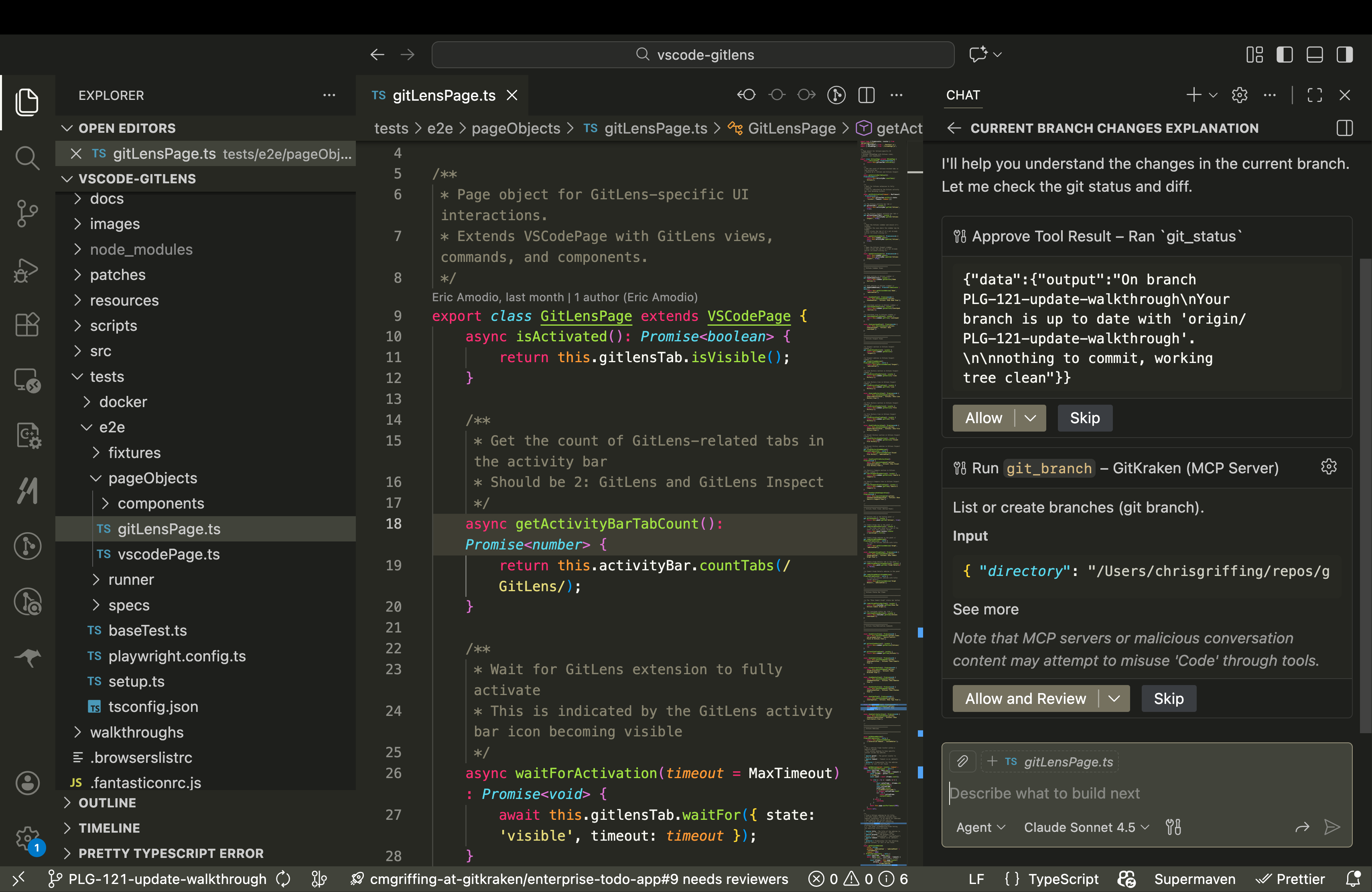
With this intelligence in place, you open the Commit Graph and launch the enhanced Rebase Editor directly from the graph. The Rebase Editor uses Git intelligence to detect potential conflicts before the rebase begins and displays clear rebase state indicators across GitLens so you always know where you are. Inside the editor, you perform bulk operations such as squashing, reordering, or editing commits using full keyboard navigation, and you can switch to the raw rebase todo file when you need fine-grained control. When a specific fix is required from another branch, you right-click the exact commit in the Commit Graph and cherry-pick it, avoiding manual hash copying or terminal commands. To share work-in-progress changes without opening a pull request, you create a Cloud Patch from GitLens, which packages your changes so teammates can review or apply them without branch friction.
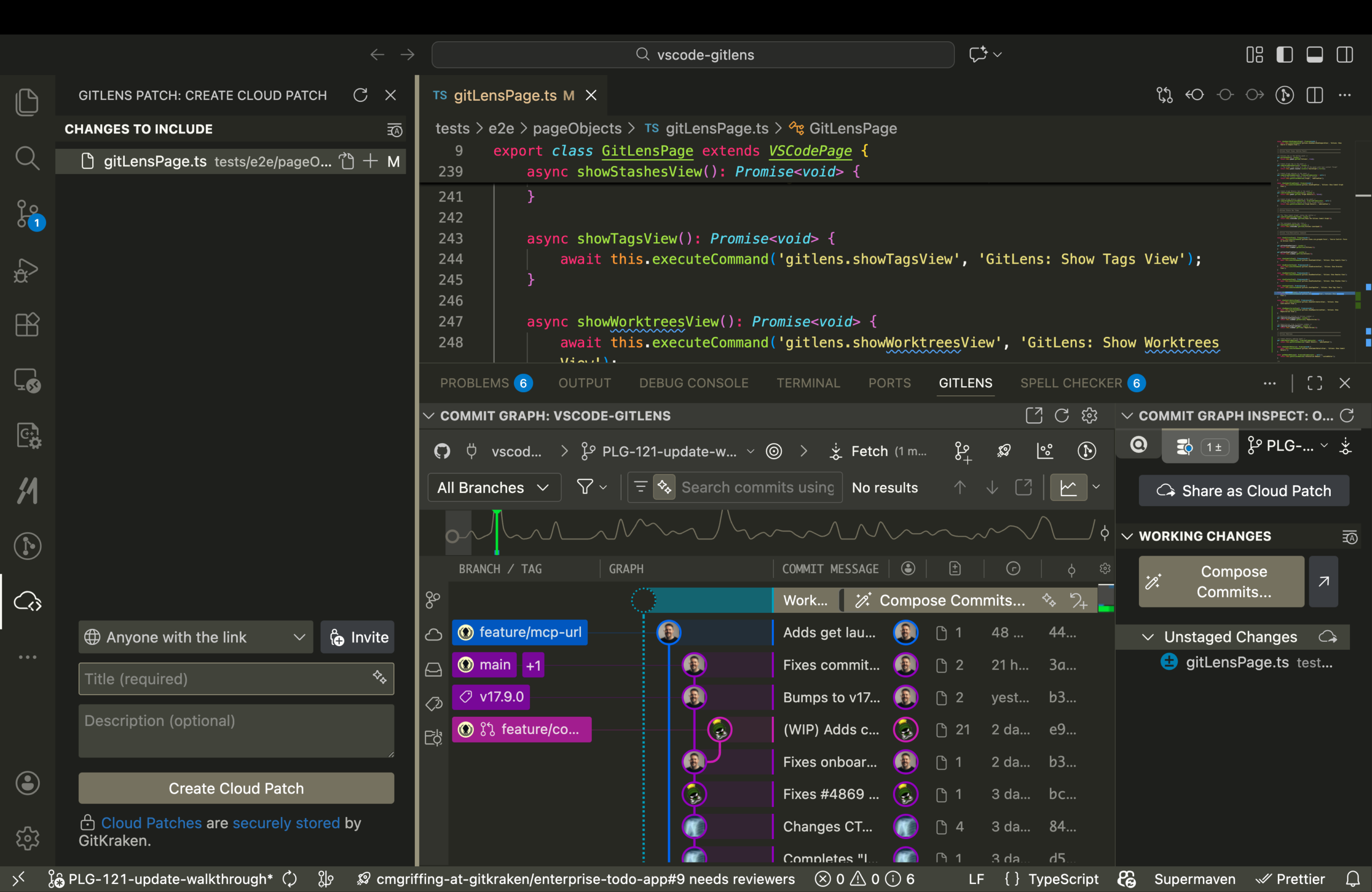
GitLens combines Git intelligence and AI-aware workflows to give you confidence when operating on complex history.
Key GitLens features used
-
Cherry-picking (precise commit reuse)
Outcome
You safely execute complex Git operations with full visibility, precision, and collaboration support, even in high-stakes scenarios.
