

Last updated: November 2026
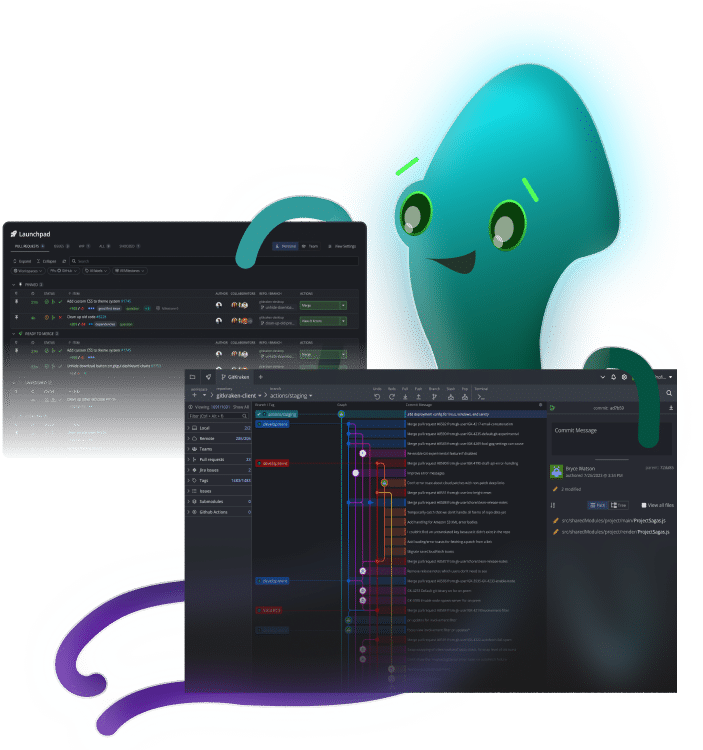
GitKraken Desktop is a visual Git client for Windows, macOS, and Linux. You can use it for everyday Git work and to run coding agents on their own branches and worktrees, where their changes show up in the Commit Graph next to yours.
Start here to find installation steps, interface walkthroughs, coding agent workflows, worktrees, terminal usage, integrations, release notes, and support resources for GitKraken Desktop.
Requirements and limits
- Plan requirements, OS support, version limits, and step-by-step workflows are on each linked page.
- Installation, integrations, and release notes each list their own requirements and compatibility details.
- Coding agents, worktrees, the terminal, and on-premises deployment each have their own setup page.
Watch the overview video, or use the links below to go to the topic you need.
GitKraken Desktop tutorial
How to get started
Use these pages to get started with the part of GitKraken Desktop you need:
- How to Install – Install GitKraken Desktop on Windows, macOS, or Linux.
- Interface Basics – Learn how the toolbar, Left Panel, Commit Graph, and Commit Panel fit together.
- Coding Agents in GitKraken Desktop – Use the Agents view to create, monitor, and manage coding agent sessions.
- Manage Git Worktrees in GitKraken Desktop – Create, switch, lock, and remove worktrees.
- GitKraken Terminal Guide – Use the embedded terminal for Git commands and manual coding agent workflows.
- Integrations – Connect repositories, issue trackers, and related services.
- New to Git – Learn core Git concepts and common workflows.
- Release Notes – Review the latest changes in GitKraken Desktop.
- FAQ – Find answers to common questions.
- Cheat Sheet – Keep common actions and shortcuts nearby.
On-premises deployment
Use these pages if your organization runs GitKraken Desktop in an on-premises environment:
- Set Up GitKraken Self-Hosted Server (On-Premise) – Learn how Self-Hosted Server works and which GitKraken Desktop features it supports.
- GitKraken On-Premise Serverless (Stand-Alone) Setup – Install and license Serverless in offline or tightly controlled environments.
Additional resources
Use these resources to get support or share product feedback:
- Make a Feature Request – Share product ideas and feedback.
- Join GitKraken Slack – Connect with other GitKraken users.
- Contact Support – Get help with GitKraken Desktop issues.
