

Last updated: March 2026
Signals monitors git history and Jira team activity at the project, epic, and sprint levels. Managers use Signals to prioritize work, identify risks, reveal trends, and make informed decisions about team workflows.
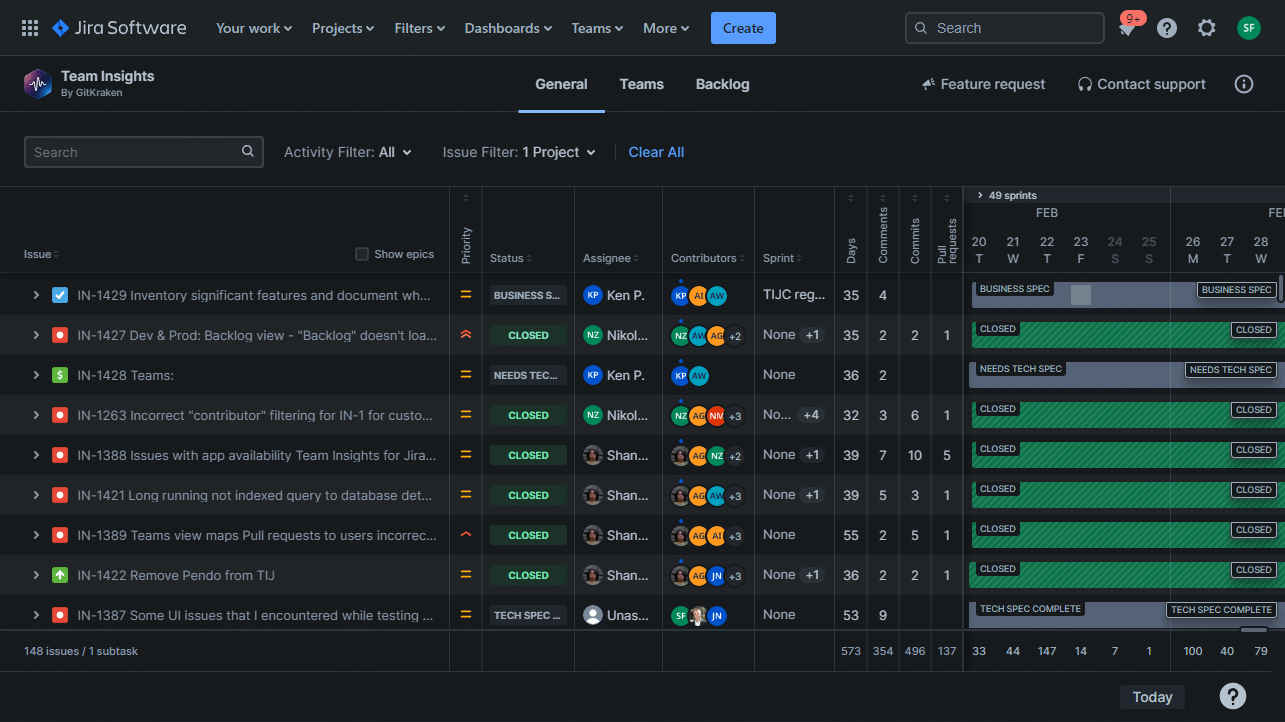
Signals provides a complete view of team work and progress, highlighting at-risk items based on activity and progress metrics.
Installing Signals
Starting February 11, 2025, Team Insights for Jira Cloud merged with Git Integration for Jira Cloud.
To install Signals:
-
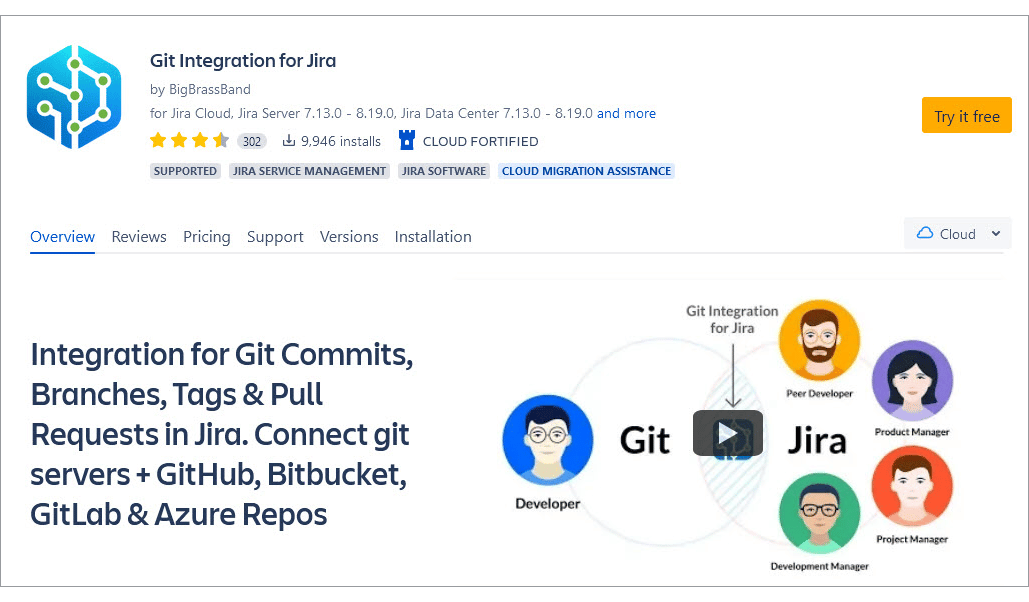
Visit the Atlassian Marketplace and search for Git Integration for Jira by GitKraken.
-
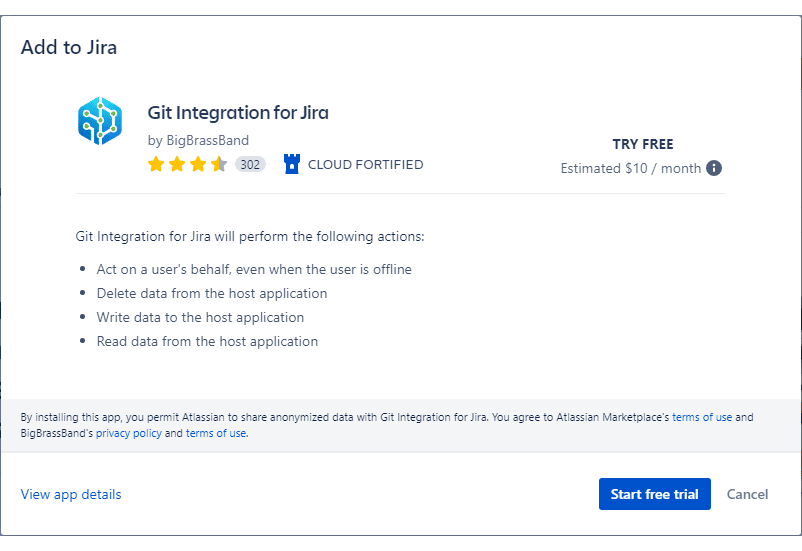
Click Try it free to start the free 30-day trial.
-
Log in to your Jira account when prompted.
For pricing details, see Git Integration for Jira Cloud pricing and subscription tiers. The system configures the license key automatically for free trials.
After installation completes, a confirmation message appears:
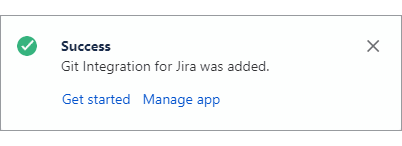
From the confirmation message:
-
Click Get started to open the Manage integrations page and configure git repositories.
-
Click Manage app to open the Manage apps page and view app properties, version, and license details.
Migration from standalone Team Insights for Jira
Does standalone TIJ Cloud migrate automatically to the merged GIJ+TIJ Cloud app?
Yes. Migration happens automatically when you install Git Integration for Jira. No manual migration steps required.
Does the TIJ extension stop working when the GIJ app license expires?
No. The TIJ extension operates independently. Your TIJ data remains accessible regardless of GIJ license status.
Feature comparison
Signals displays activity across projects, epics, and sprints. The table below compares features available with TIJ only versus GIJ + TIJ combined.
| Feature | TIJ Only | GIJ + TIJ |
|---|---|---|
| Identify stale issues or issues that revert in status |  |
|
| View activities for sprint planning, standups, and retrospectives1 | |
|
| Access insights for executives, managers, and individual contributors1 | |
|
| Enable all team members to identify and contribute improvements | |
|
| Support all departments that use Jira in your organization | |
|
| Track issue status progress over time, including where and how long issues remained in each state | |
|
| Identify pull requests that remain open too long2 |  |
|
| View commits and other git-related data for your team | |
|
| Create branches and pull/merge requests from Jira issues | |
|
| Link webhooks to Git and Jira for faster git data display | |
|
| Manage git integrations and repository connections | |
|
| Assign other users to manage integrations and repository connections | |
|
1 With Git Integration for Jira installed, git data displays in more detail.
2 Requires Git Integration for Jira to view pull request status and information.
Permissions
IMPORTANT!
Jira user permissions control access to Signals data. Users who can view Jira issues can also view the corresponding Signals data for those issues.
Accessing Signals
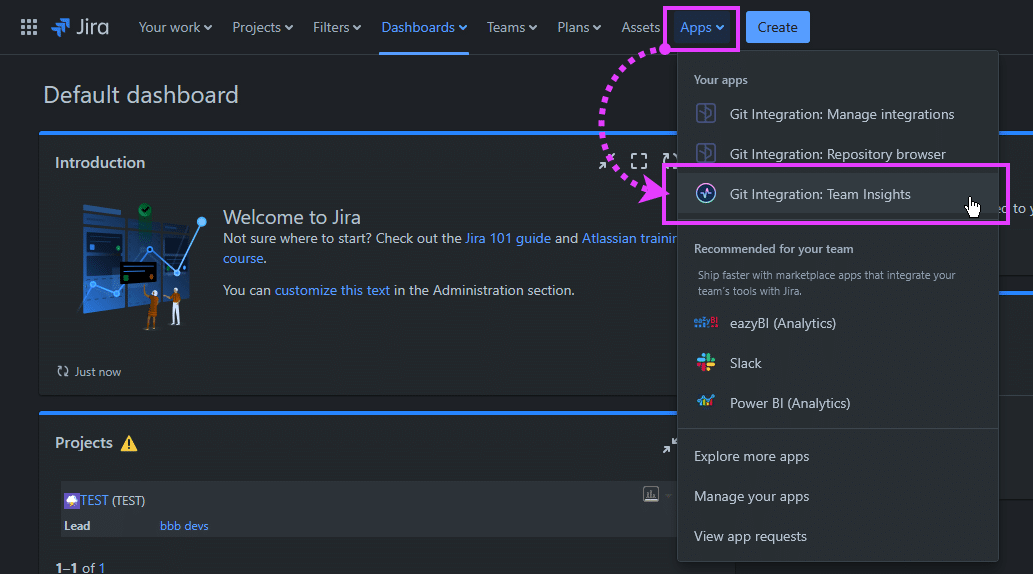
To access Signals from the Jira dashboard, navigate to Apps ➜ Git Integration: Team Insights.
Feature highlights
Signals displays Git activity across projects and issues, revealing collaboration patterns and development progress.
Customize views across projects, epics, and sprints
View timelines by epics, issues, and sub-tasks. Filter by project, sprint, team members, issue status, and more. Sort tasks by days since last status update or by commit count.
Manage Jira workflows efficiently
Focus on issues that demand immediate attention. View user actions and timing across multiple issues. Identify tasks at risk of missing deadlines, team members with excessive workloads, stagnant issues, reverted closed issues, and pull requests that remain open too long.
Enhance team collaboration
Use Signals views during sprint, epic, and backlog planning. Analyze data to identify recurring patterns, detect trends, and find areas for improvement.
Track and improve team productivity
Signals displays your team’s Jira and Git activity over time, enabling you to track current tasks and monitor progress.
Signals shows Jira activity for all users. When you install Git Integration for Jira, branches, commits, pull requests, and tags appear automatically in your views.
More on Signals features
Signals (this page)
