

Last updated: March 2026
Follow these steps to generate a quote for Git Integration for Jira Cloud.
Generate a Quote
-
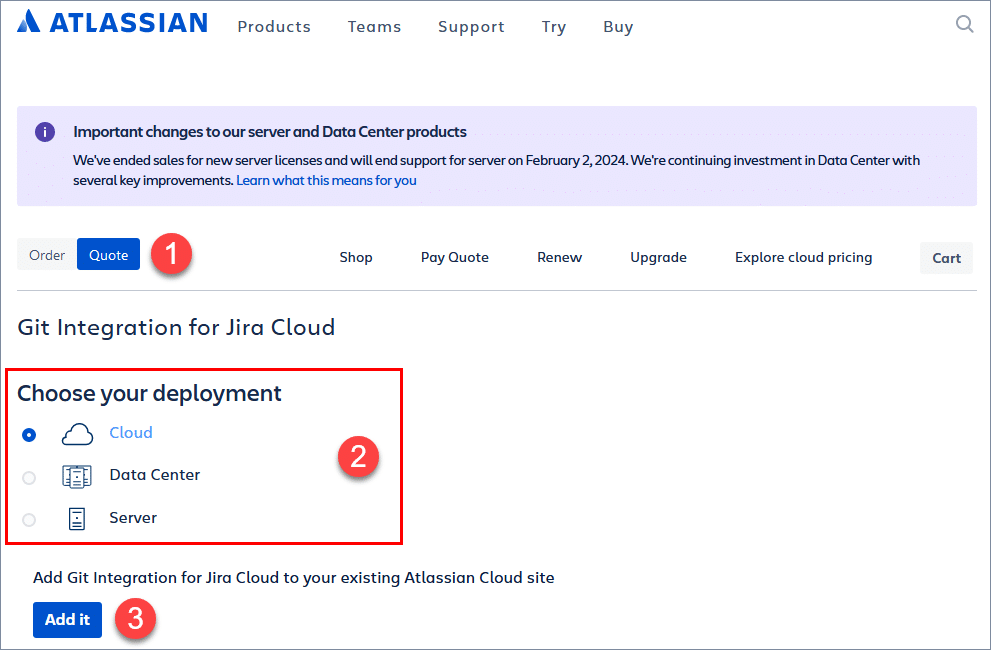
Open the Generate quote page on Atlassian Marketplace.
-
Verify the page displays Quote mode.
-
Select Cloud as the deployment type.
-
Click Add it to connect to your existing Jira instance.
-
Follow the on-screen instructions to complete your quote.
More Information
For details about licensing, see Licensing Information, Migration and Transition.
